Version 1.0.0 · Windows 10/11

Unlock Maximum
Emulator
Performance

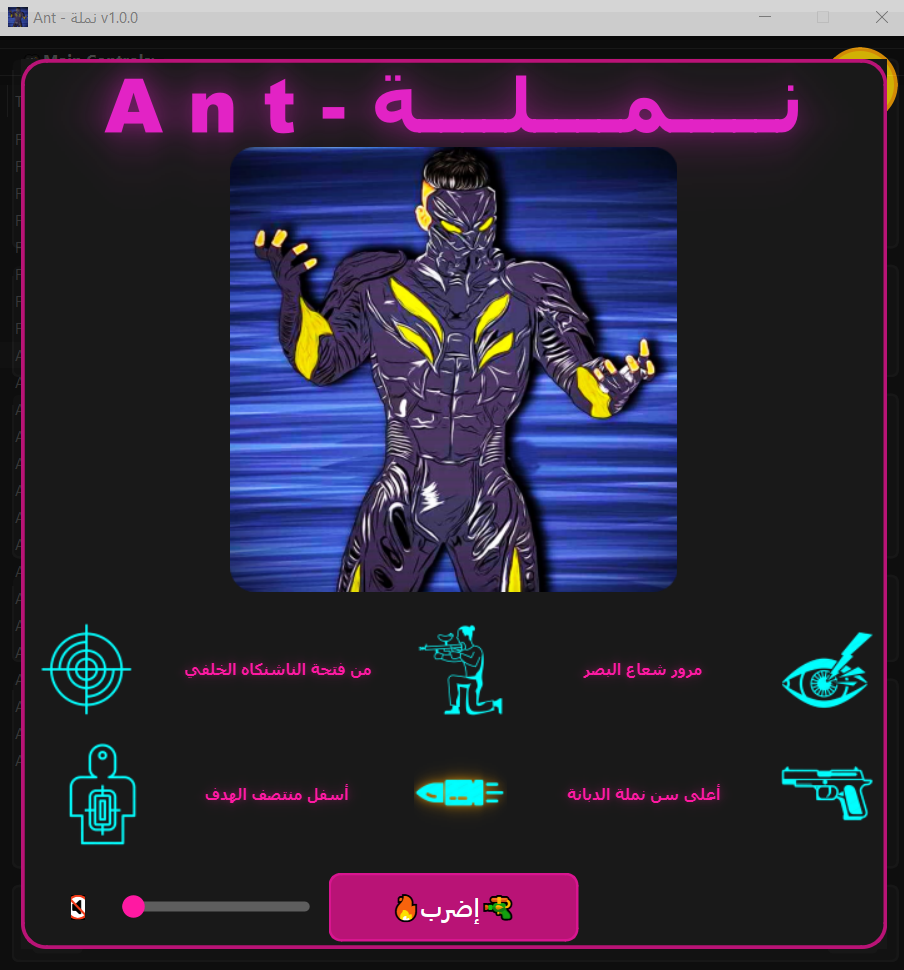
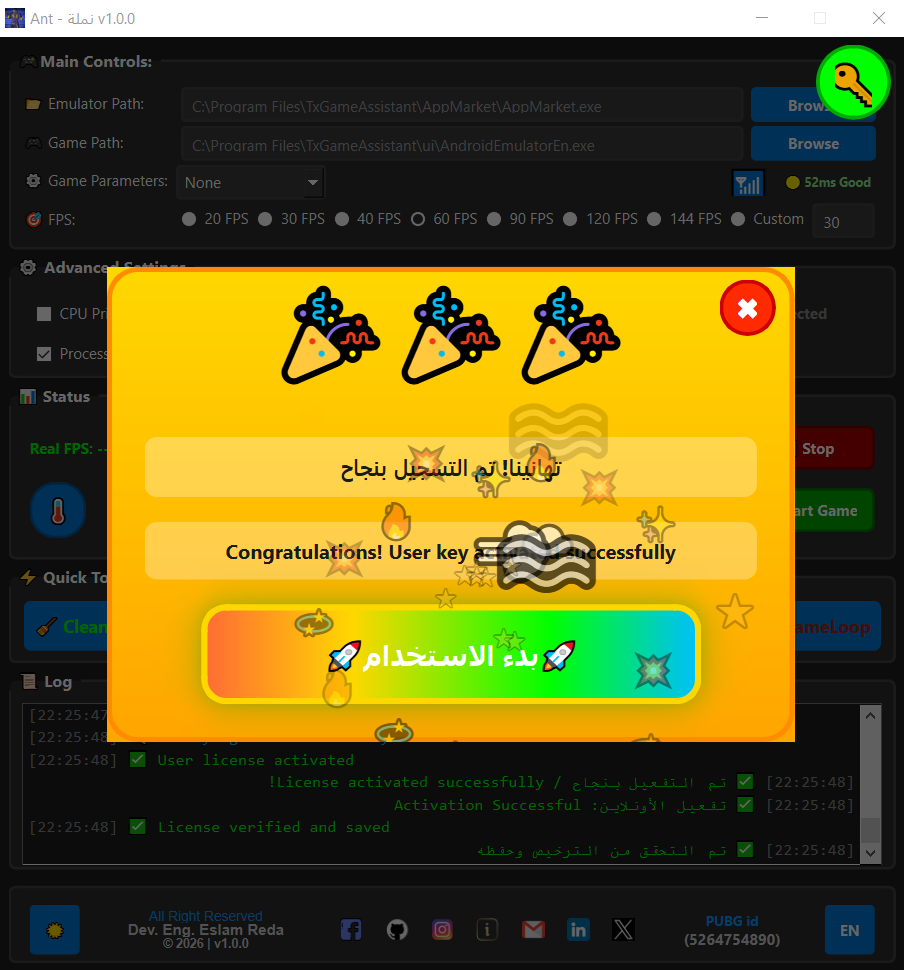
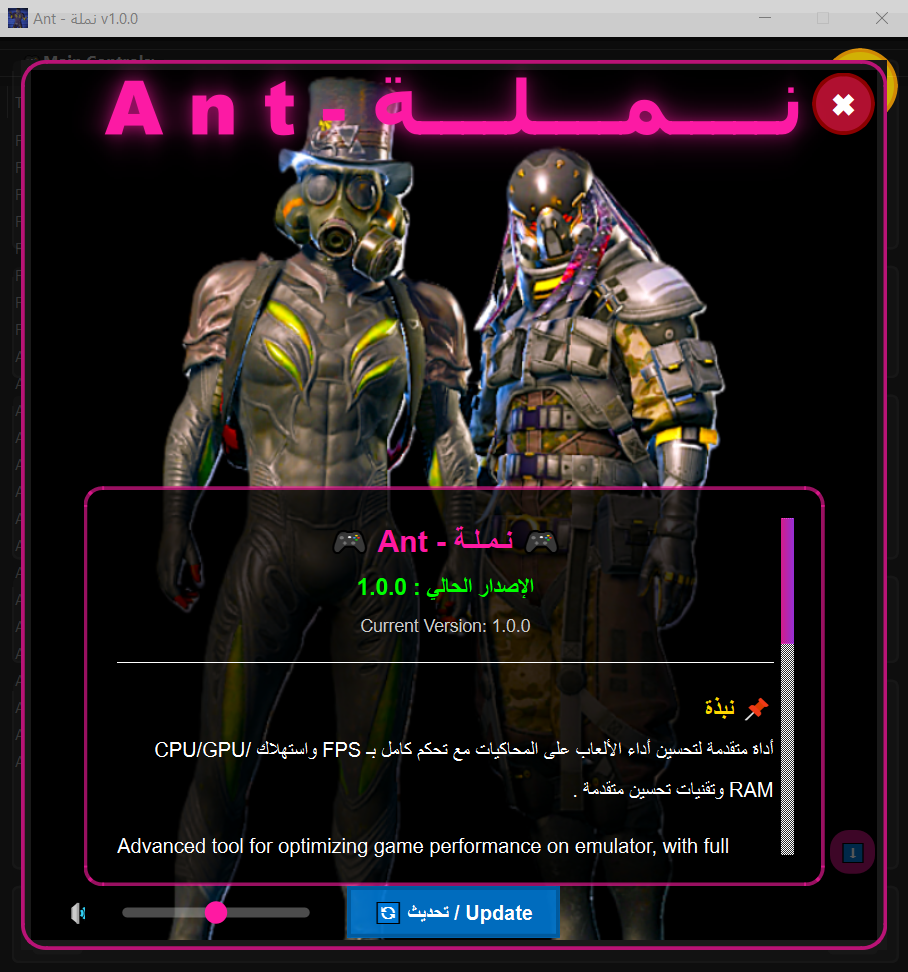
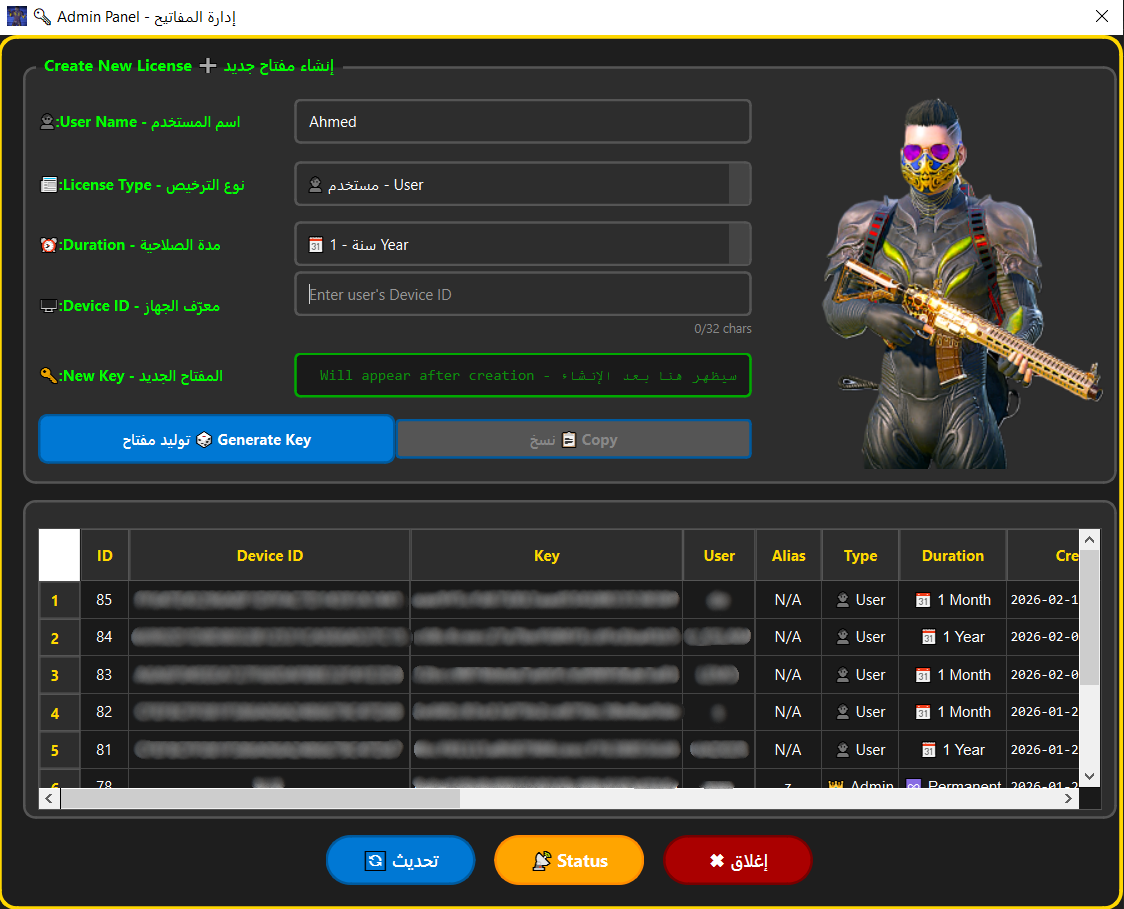
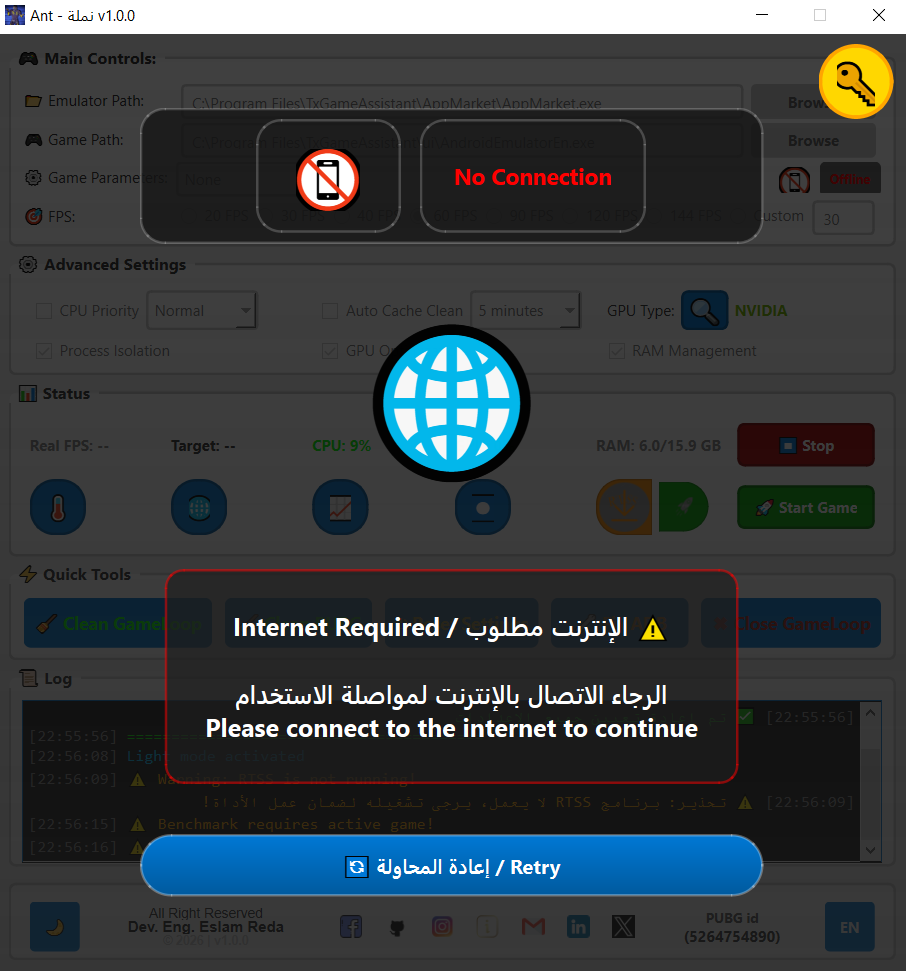
AntOptimizer intelligently optimizes your system to deliver faster and smoother Android emulator performance. Built with C++ for maximum efficiency.

0%
FPS Boost
0%
Lag Reduction
RAM Optimized

Everything You Need for
Peak Performance

A complete toolkit engineered to push your emulator to its absolute limits.

📊

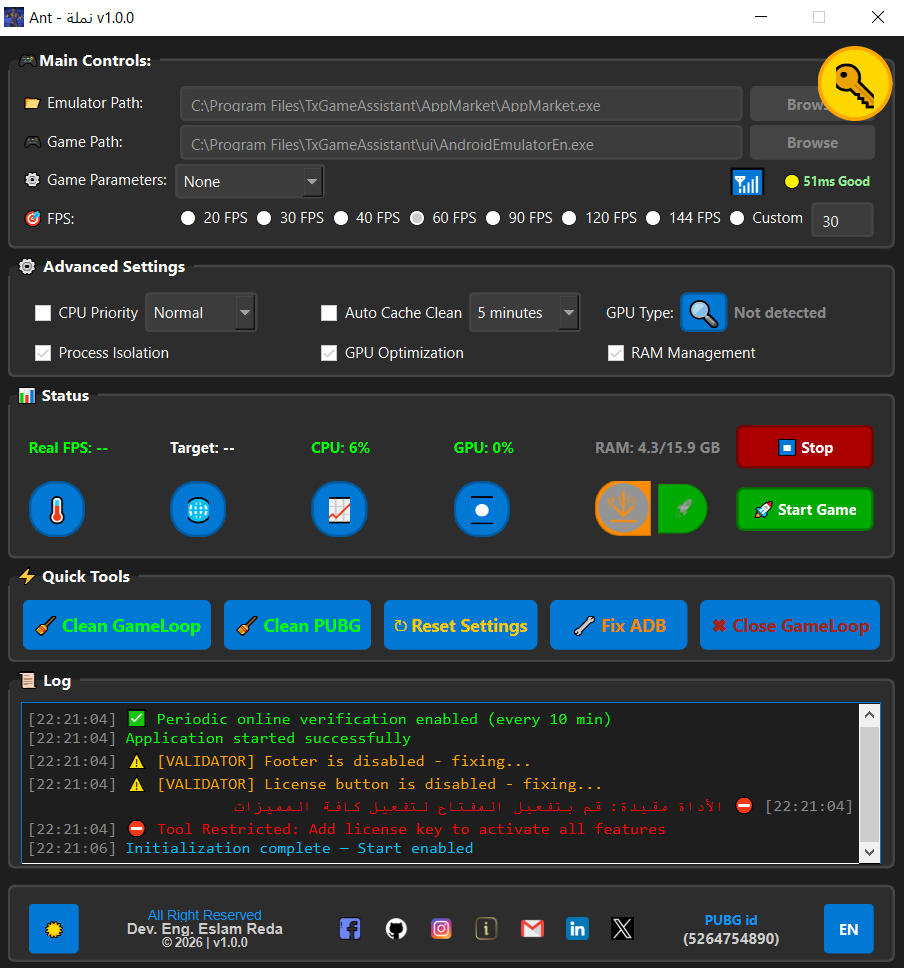
Real-Time Monitoring

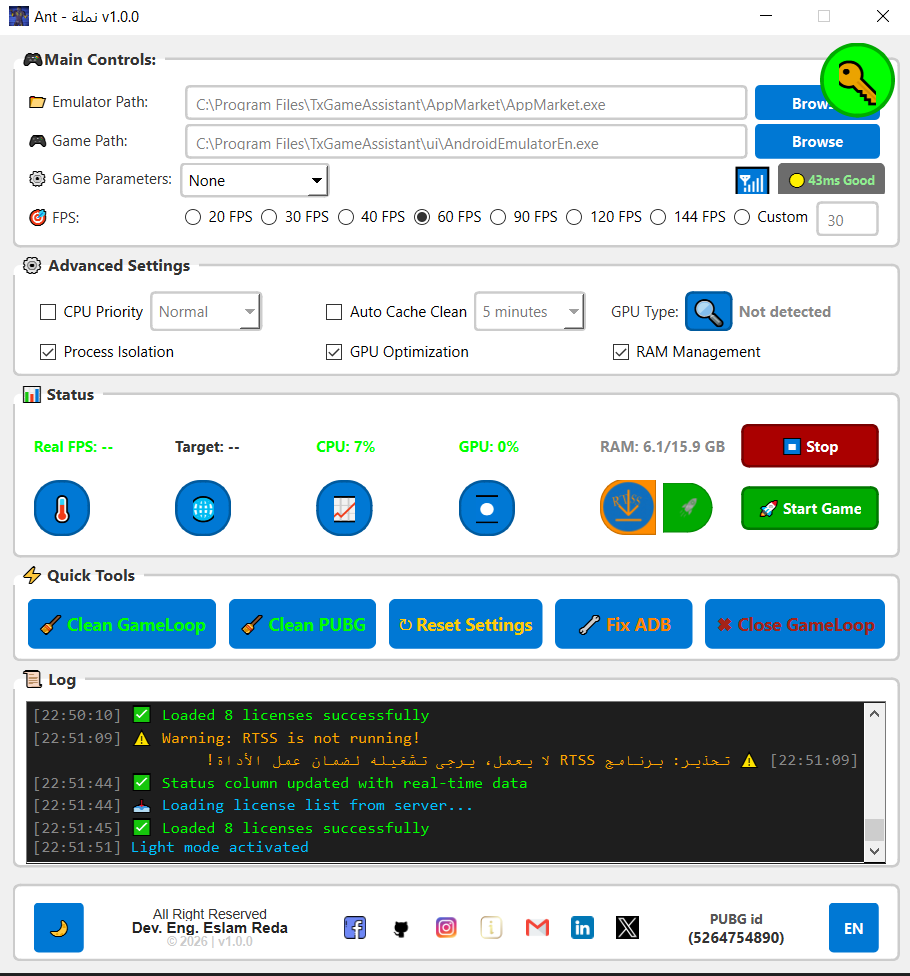
Live CPU, GPU, and RAM tracking with DirectX DXGI hardware-level data.

🎯

FPS Control

Configurable FPS targets (20–144) with RTSS, NVIDIA, and AMD limiter support.

🖥

GPU Optimization

Auto-detects NVIDIA, AMD, and Intel GPUs and applies hardware-specific optimizations.

CPU Priority Control

Set process priority levels and core affinity for emulators and games.

💾

RAM Management

Memory optimization and process isolation for the smoothest gameplay.

🔄

Auto-Update System

Checks for new versions and downloads updates directly in-app.

Numbers That
Speak for Themselves

Measured improvements across real emulator sessions.

AntOptimizer Performance
FPS Improvement 82%
CPU Load Reduction 65%
RAM Efficiency 74%
Emulator Stability 90%
Startup Speed 78%

Faster Emulator Start

Boot your emulator up to 3× faster with memory pre-optimization.

60%

Less Lag & Stutter

Smart CPU affinity and priority management eliminates micro-stutters.

Better FPS Stability

Consistent frame delivery via hardware-level FPS control.

AntOptimizer Team

Simple Process,
Massive Results

Four steps to unlock your system's full potential.

01

Launch as Administrator

AntOptimizer requires admin rights to modify system-level settings, process priorities, and hardware configurations.

02

Select Your Emulator

Browse and select your Android emulator executable (GameLoop, LDPlayer, BlueStacks, etc.).

03

Configure Optimizations

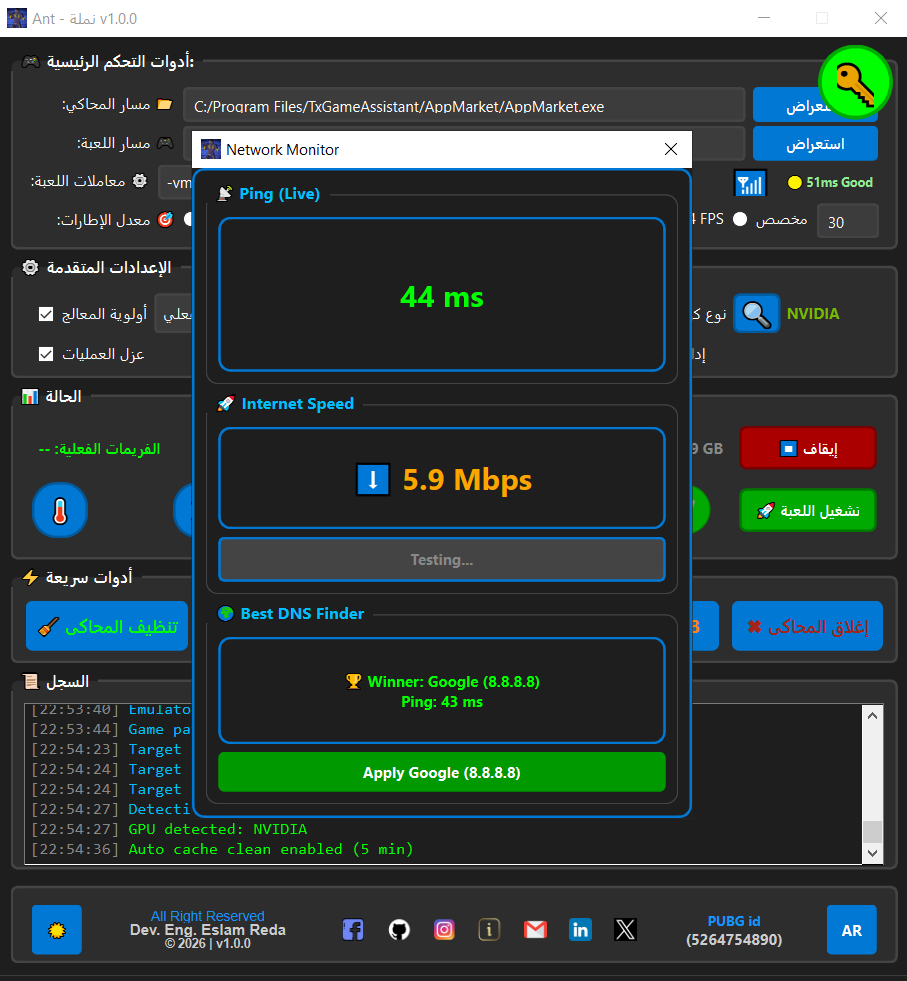
Choose your target FPS, GPU mode, CPU priority, RAM settings, and network optimizations.

04

Start & Monitor

Hit Start, then watch real-time FPS, CPU, GPU, and RAM data in the live monitoring panel.

AntOptimizer How It Works

Built with
Professional Tools

Engineering-grade technologies for a rock-solid optimization engine.

⚙️C++ 17
Core optimization engine built in C++ for maximum native performance and system access.
🪟Qt 6
Qt 6 Widgets, Multimedia, and Network modules for a professional cross-platform UI.
🔨CMake
Modern CMake build system for clean, portable, and automated compilation.
🎮DirectX / DXGI
Direct hardware access for GPU monitoring, frame capture, and graphics optimization.
🌐Win32 API
Deep Windows system integration: kernel32, psapi, advapi32, ntdll, and PDH APIs.
🛡PHP / MySQL
Secure backend license server with heartbeat monitoring and REST API.

Ready to Dominate?

Download AntOptimizer now and experience the difference on your next gaming session.

Windows 10/11
Package: AntOptimizer_v1.0.0.exe
All Emulators
Download AntOptimizer_v1.0.0.exe

Hosted at ant.simastec.com · Requires Windows 10/11 x64

Frequently Asked
Questions

Does AntOptimizer require administrator rights?
Yes. The tool modifies system-level power settings, process priorities, registry values, and accesses DirectX hardware interfaces — all of which require elevated permissions.
Which Android emulators are supported?
AntOptimizer is compatible with GameLoop (PUBG), LDPlayer, BlueStacks, NoxPlayer, and most other Windows-based Android emulators.
Will this work on Windows 10?
Yes, AntOptimizer is fully compatible with Windows 10 (64-bit) and Windows 11. The minimum requirement is Windows 10 x64.
Is the software safe to use?
Absolutely. The tool only modifies runtime system settings and does not install drivers or modify core OS files. All changes can be reversed.
Does it work without a license key?
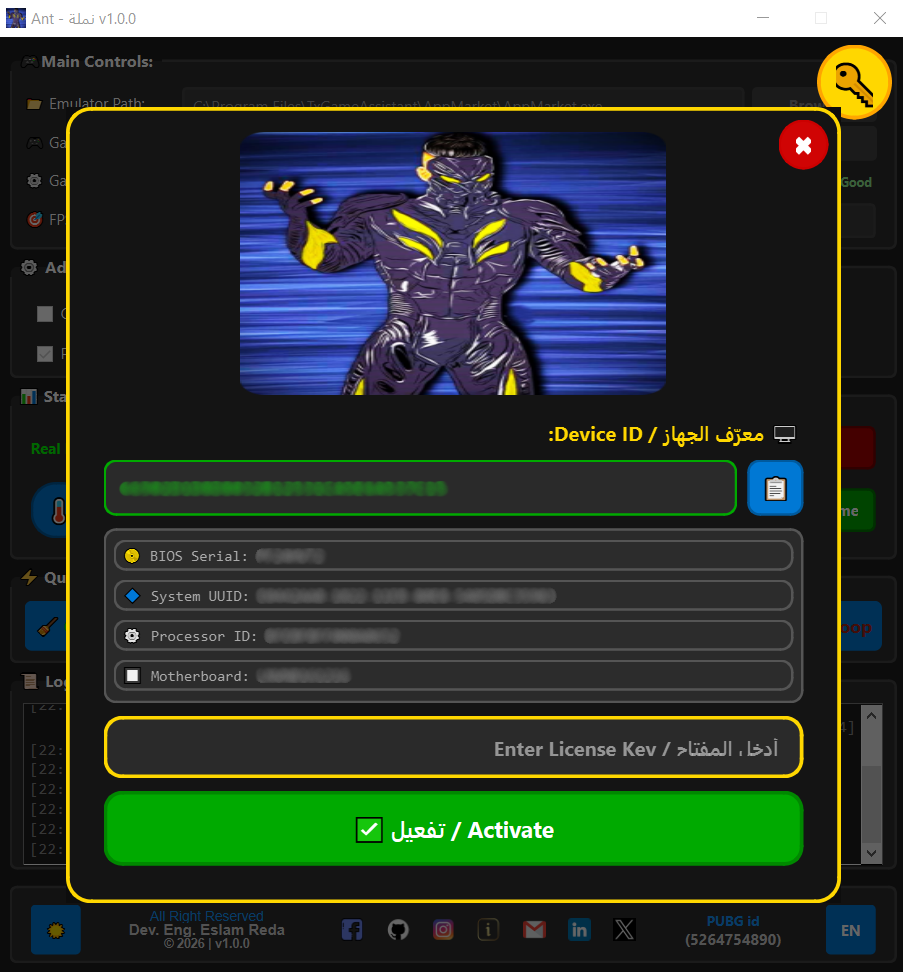
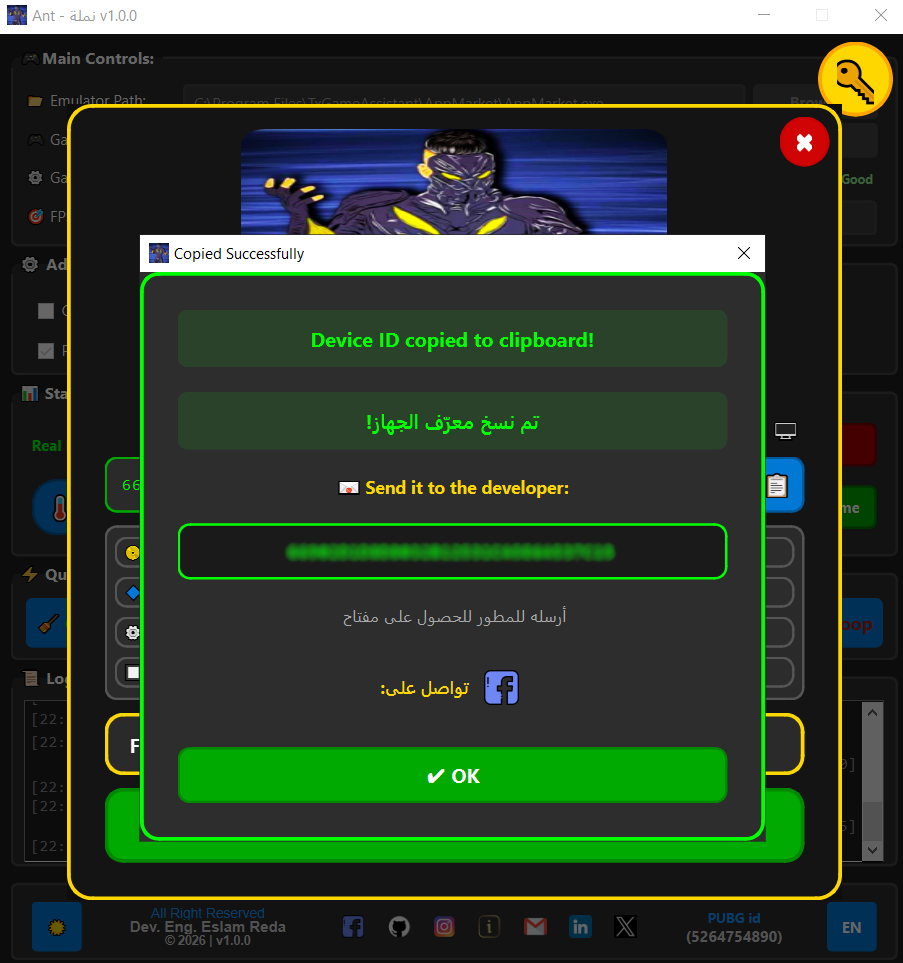
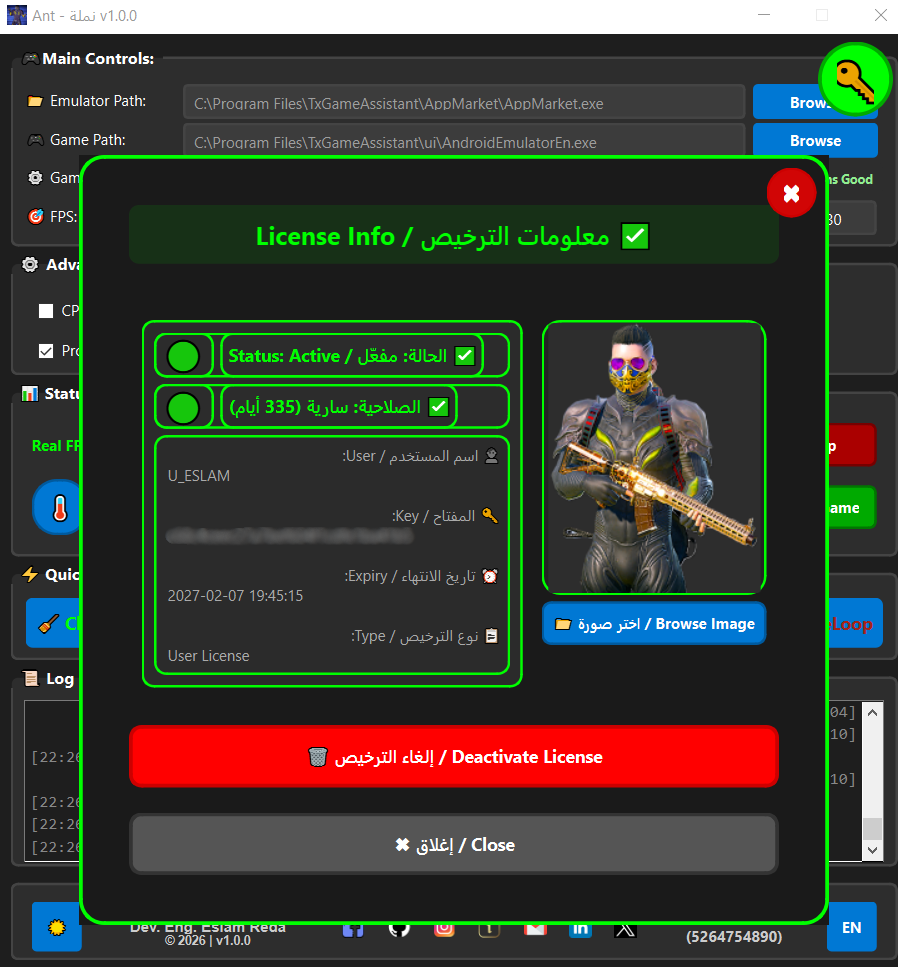
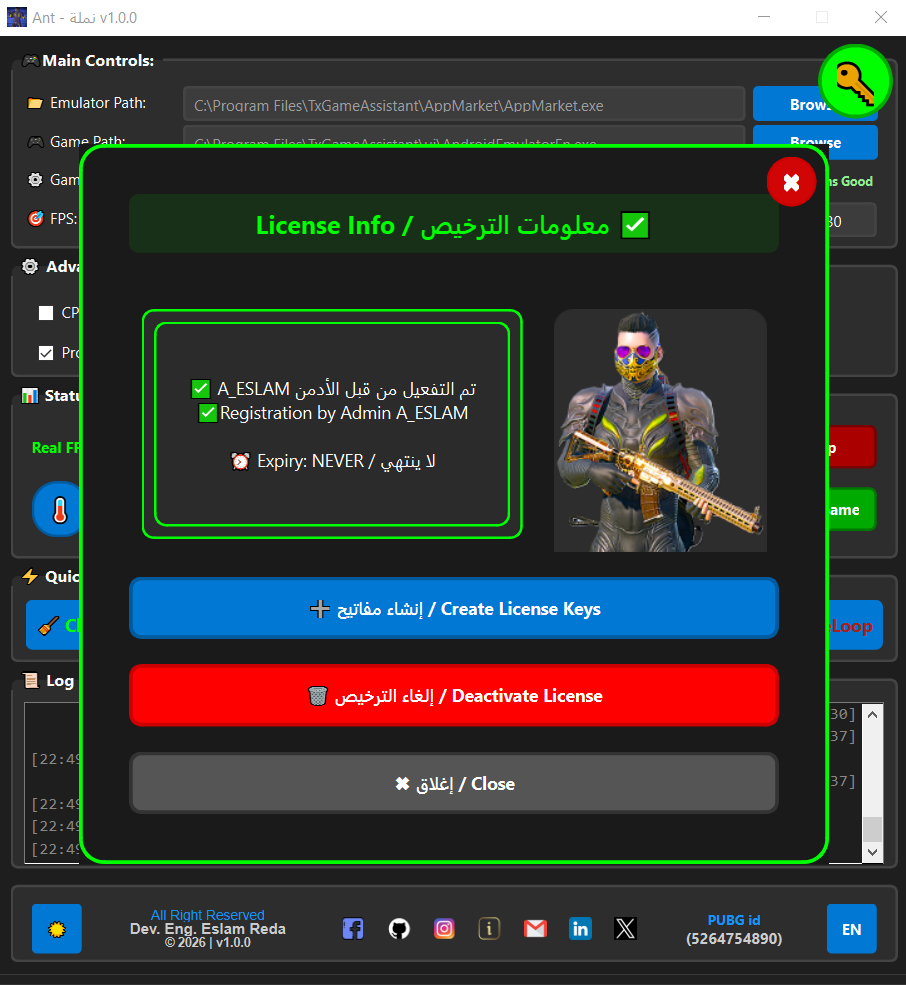
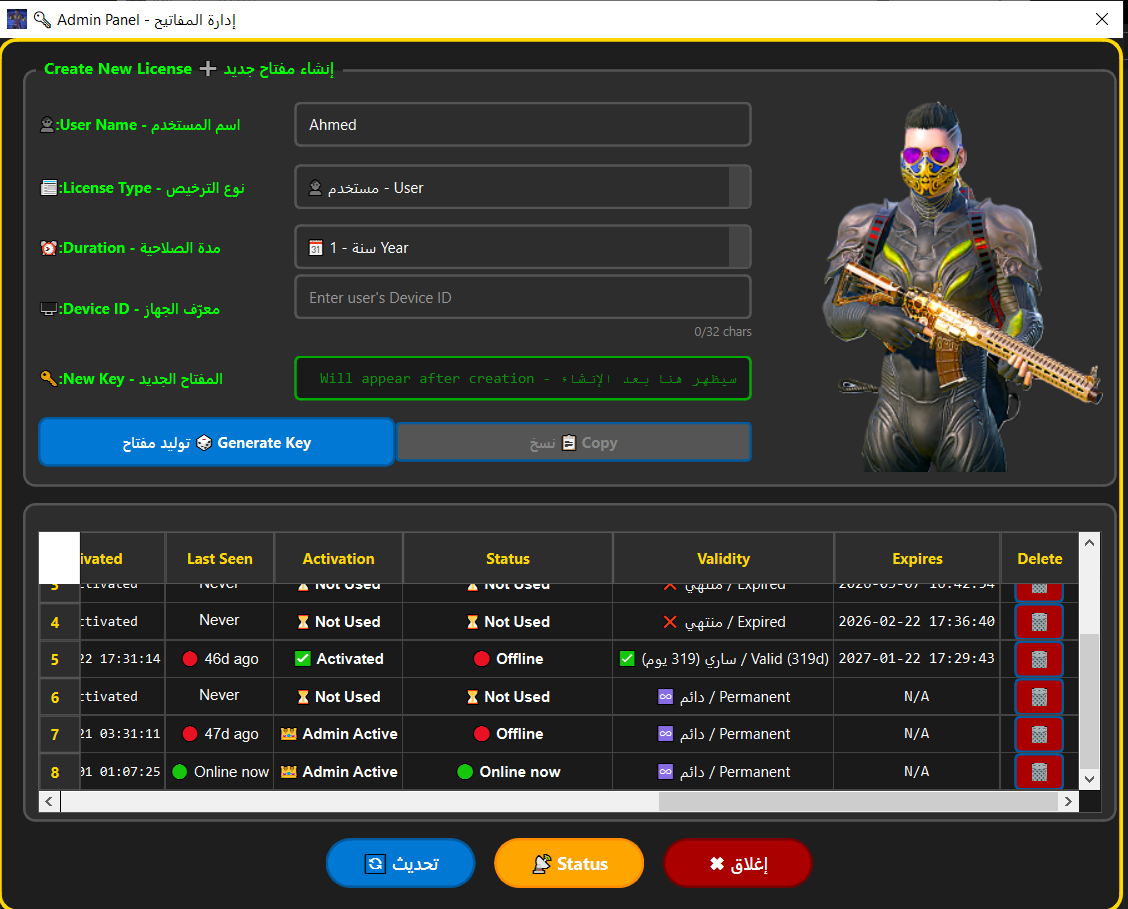
A license system is included for premium features. Contact the developer at dev.eslam.reda@gmail.com for licensing details.
How do I uninstall it?
Simply delete the application folder. No installer is used, so no registry entries or system components are left behind.
AntOptimizer Logo
AntOptimizer
Version 1.0.0

AntOptimizer intelligently optimizes your system to deliver faster and smoother Android emulator performance.

Key Features